Automox is a cloud-native cross-platform patching tool with reasonable Windows, macOS, and Linux coverage. It is focused — patching, configuration, and a small set of related controls.
Lavawall® overlaps on patching and adds the rest of the security and compliance layer: 15+ framework GRC, multi-tenant M365 / Entra / Azure / Google Workspace breach detection, kernel-free application control, curated SaaS / shadow-AI discovery, replacement prioritization, helpdesk, and remote support.
For IT teams whose only need is patching, Automox is a credible focused tool. For MSPs and IT teams needing the broader security and compliance platform, Lavawall® is broader.
Where Lavawall® wins for MSPs
Lavawall® is the broader platform: patching is one of many native capabilities, alongside GRC, breach detection, application control, helpdesk, and remote support.
For MSPs delivering compliance readiness as a service, the Lavawall® evidence base satisfies CMMC 2.0, CPCSC, NIST, SOC 2, HIPAA, PCI DSS, ISO 27001, the Canadian privacy bundle, BC HIA, Alberta HIA, NERC CIP, IIROC, CPA Canada, and the Australian Essential Eight from a single platform.
Multi-tenant identity threat detection and response (ITDR) with endpoint correlation, kernel-free application control, and curated SaaS / shadow-AI discovery are differentiators Automox does not address.
Where Automox wins
Automox is genuinely strong as a focused cross-platform patching tool. The cloud-native architecture and clean UI are well-regarded.
For IT teams whose only need is patching and that have GRC, breach detection, and ticketing handled elsewhere, Automox alone is sufficient.
Feature comparison
| Feature | Lavawall® | Automox |
|---|---|---|
| Cross-platform patching (Windows / macOS / Linux) | Yes, 7,500+ applications | Yes |
| Public application patch catalog | 7,500+ applications published openly | Vendor-curated |
| Multi-tenant for MSPs | First-class | Limited |
| Compliance framework mapping (CMMC, NIST, SOC 2, HIPAA, etc.) | 15+ frameworks with auditor-ready System Security Plan (SSP) and remediation plan (POA&M) | Patch / config reports |
| M365 / Entra / Azure breach detection | Native multi-tenant identity threat detection and response (ITDR) | No |
| Google Workspace breach detection | Native | No |
| Application control without kernel driver | Native | No |
| Curated SaaS / shadow-AI discovery (1,130+ catalog) | Native | No |
| Replacement prioritization | Multi-factor scoring | No |
| Smart helpdesk (per-named-agent unlimited tickets) | Native | No |
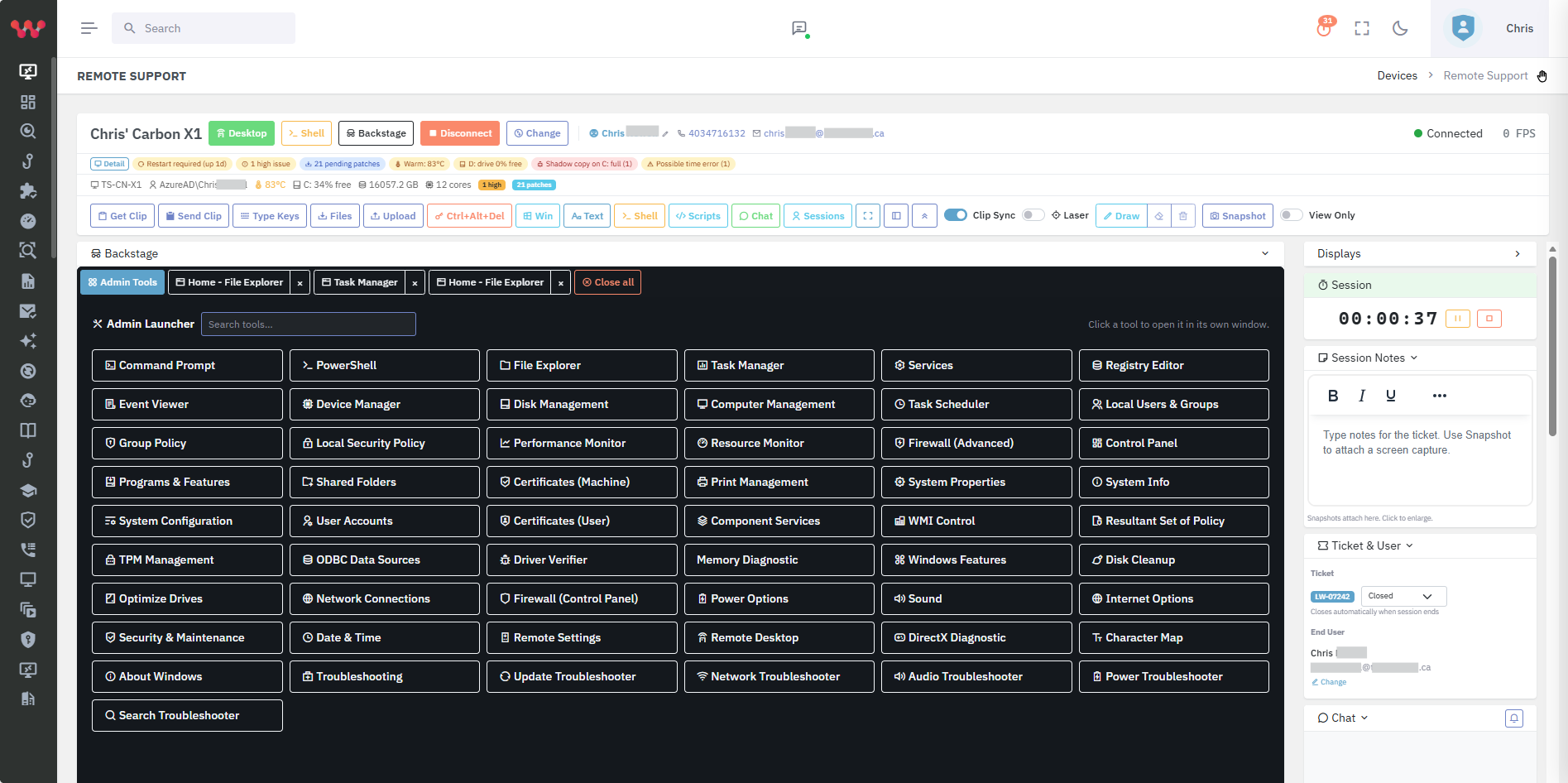
| Multi-tenant remote support (browser-based) | Native | No |
| Built and used by an audit firm | ThreeShield (CISSP / CISA) | No |
Who should pick which?
Pick Lavawall® if…
MSPs and IT teams that need patching plus security, GRC, breach detection, helpdesk, and remote support in one platform.
MSPs delivering compliance readiness as a service.
Pick Automox if…
Single-organisation IT teams that want a focused cloud-native patch tool and have other security and compliance tooling already.
Frequently asked
- How does Lavawall® patching compare to Automox patching?
- Lavawall® patches 7,500+ applications across Windows, macOS, and Linux from a single agent with the catalog published openly. Automox is broadly comparable on Windows; coverage on macOS and Linux varies. Both are cloud-native.
- Does Lavawall® cover macOS without privacy & security permissions?
- Yes — the Lavawall® macOS agent works on BYOD endpoints without requiring privacy & security permissions or MDM enrolment.