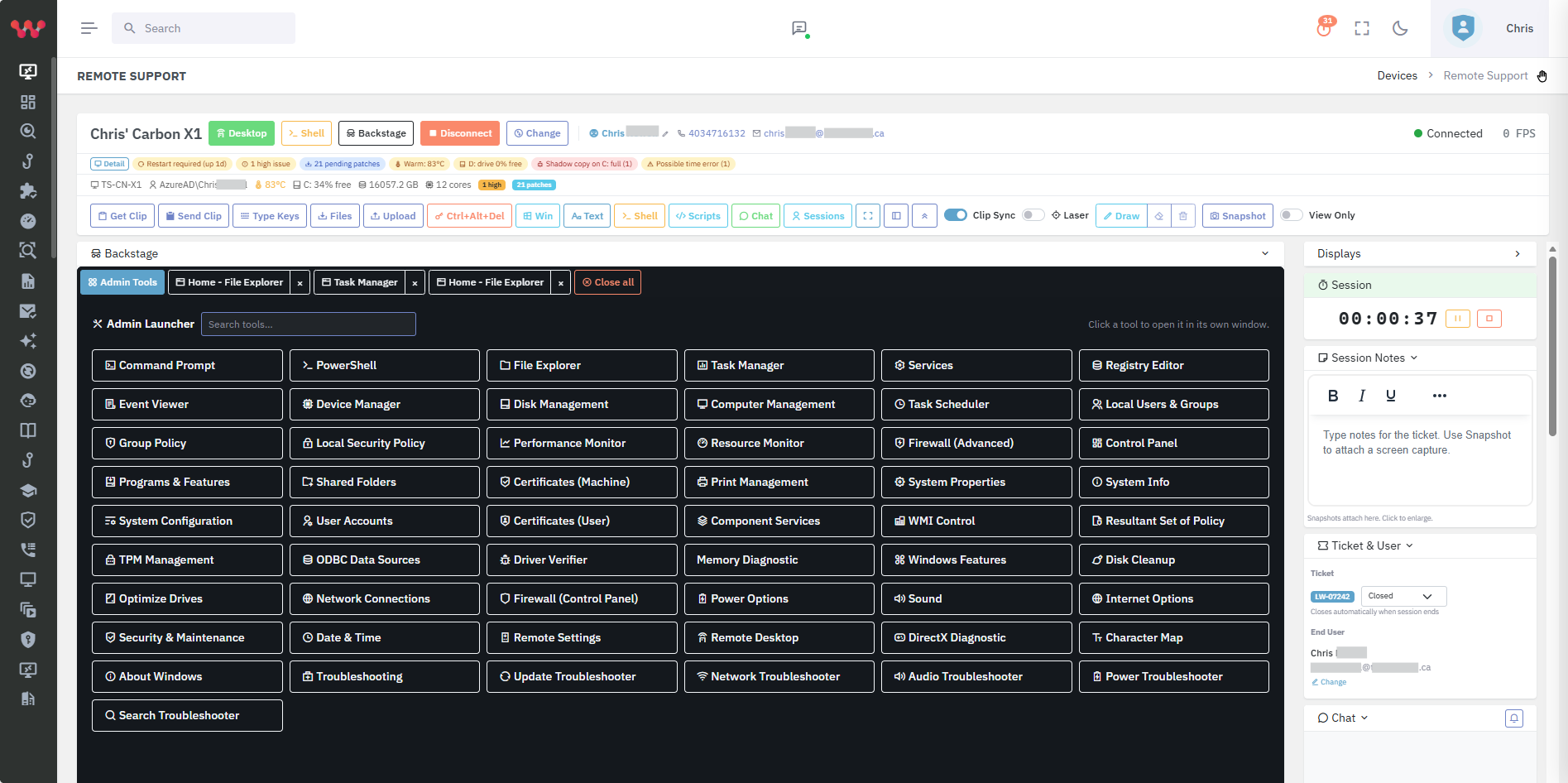
Kaseya VSA has been an MSP RMM standard for many years, with broad automation, scripting, patch management, and a deep partner ecosystem under the wider Kaseya umbrella (IT Complete bundle, Datto, RapidFire, etc.).
MSPs running Kaseya VSA still face the security-and-compliance procurement gap every RMM has — cross-platform compliance evidence, multi-tenant cloud breach detection with endpoint correlation, kernel-free application control, replacement prioritization, and curated SaaS / shadow-AI discovery are not part of Kaseya VSA's job.
Lavawall® drops in via Kaseya VSA as a script and runs alongside it.
Where Lavawall® wins for MSPs
Lavawall® delivers the security, compliance, and breach-detection layer Kaseya VSA does not. For MSPs delivering CMMC 2.0, CPCSC, SOC 2, HIPAA, PCI DSS, or cyber-insurance readiness, the Lavawall® evidence base is what an assessor will sample.
M365 / Entra / Azure / Google Workspace identity threat detection and response (ITDR) with endpoint correlation is a particular gap that Kaseya VSA does not natively address. Lavawall® treats it as a first-class capability.
For MSPs running Kaseya VSA plus separate Vanta / Drata-class GRC, ThreatLocker-class app-control, M365 monitoring, helpdesk, and remote-support tools, Lavawall® consolidates the security stack into one platform alongside Kaseya VSA.
Where Kaseya VSA wins
Kaseya VSA is a deep, well-established RMM with broad automation libraries and a large partner ecosystem.
For MSPs deeply invested in the Kaseya IT Complete bundle (Datto, BMS, etc.) where the operational integration matters more than the security layer, Kaseya VSA stays the operational core. Lavawall® augments rather than replaces.
Feature comparison
| Feature | Lavawall® | Kaseya VSA |
|---|---|---|
| Mature MSP RMM with deep automation | Standard scripting and APIs | Yes — mature platform with deep automation |
| Cross-platform agent (Windows, macOS, Linux) | Full security parity across all three | Yes, varying depth |
| Public application patch catalog | 7,500+ applications, published openly | OS + third-party (varies) |
| Compliance framework mapping (CMMC 2.0 / NIST / SOC 2 / HIPAA) | 15+ frameworks; continuous evidence with System Security Plan (SSP) and remediation plan (POA&M) | Reports; not framework-mapped GRC platform |
| M365 / Entra ID / Azure breach detection | Native multi-tenant identity threat detection and response (ITDR) | Limited |
| Google Workspace breach detection | Native | Limited |
| Application control without kernel driver | Native | No |
| Curated SaaS / shadow-AI discovery (1,130+ catalog) | Native | No |
| Replacement prioritization (battery / TPM / SMART / RAM / age) | Multi-factor scoring | Lifecycle dates |
| Akira ransomware indicator hunter | Native | No |
| Built and used by an audit firm | ThreeShield (CISSP / CISA) | No |
| Kaseya high-watermark and lock-in billing | Absolutely not | Yes |
Who should pick which?
Pick Lavawall® if…
MSPs running Kaseya VSA that need a security, GRC, breach-detection, and analytics platform alongside it.
MSPs delivering compliance readiness across CMMC 2.0, CPCSC, NIST, SOC 2, ISO 27001, HIPAA, PCI DSS, or PIPEDA as a service.
Pick Kaseya VSA if…
MSPs whose RMM and PSA workflows are already deep in the Kaseya IT Complete bundle and whose security needs are handled separately.
Frequently asked
- Does Lavawall® replace Kaseya VSA?
- It can, but most Kaseya shops augment: keep Kaseya VSA for operations, add Lavawall® for security, GRC, and analytics.
- Can Lavawall® be deployed through Kaseya VSA?
- Yes — PowerShell / bash deployment scripts run via Kaseya VSA agent procedures.
- Will Lavawall® conflict with the Kaseya VSA agent?
- No. Lavawall® coexists with major RMM agents without conflicts.